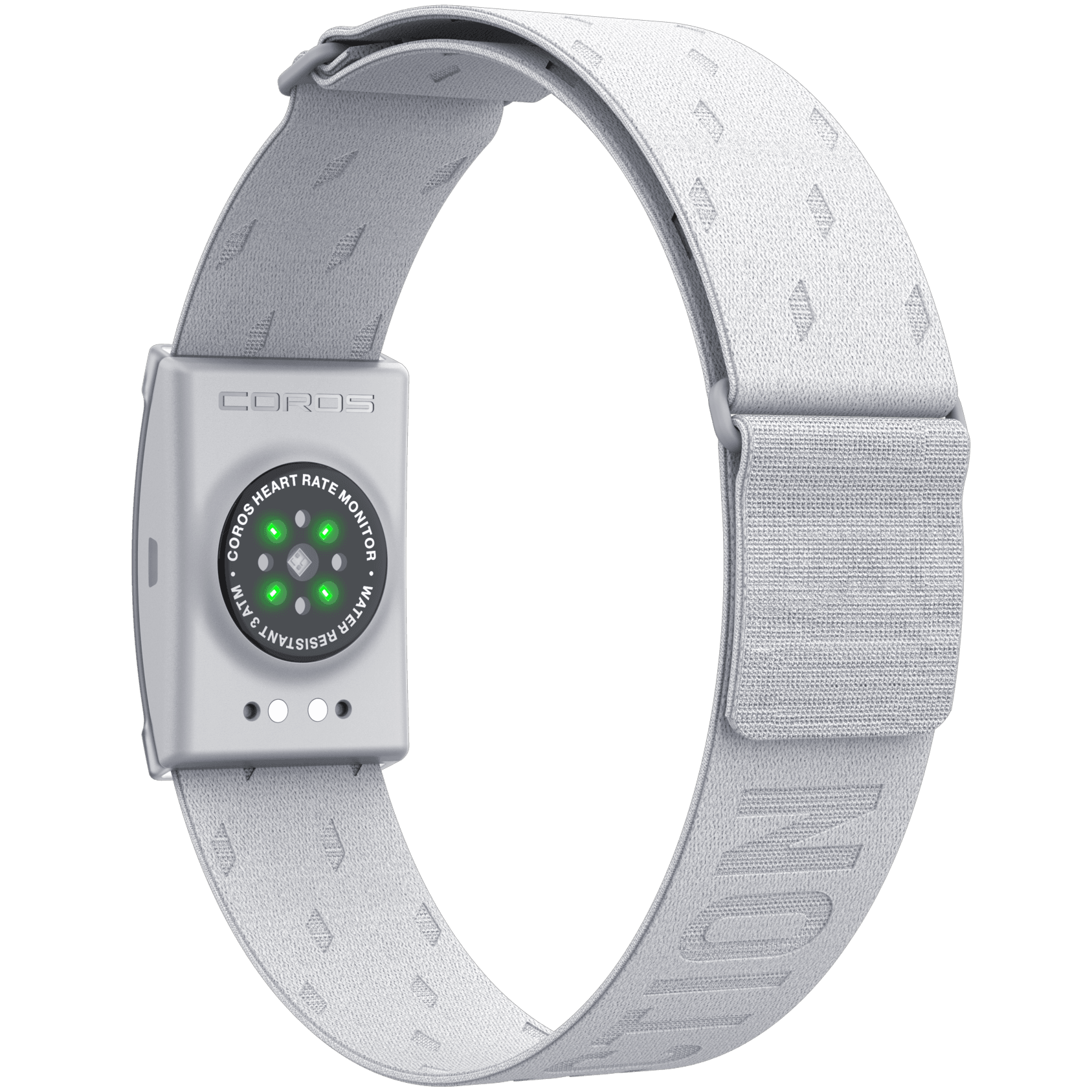
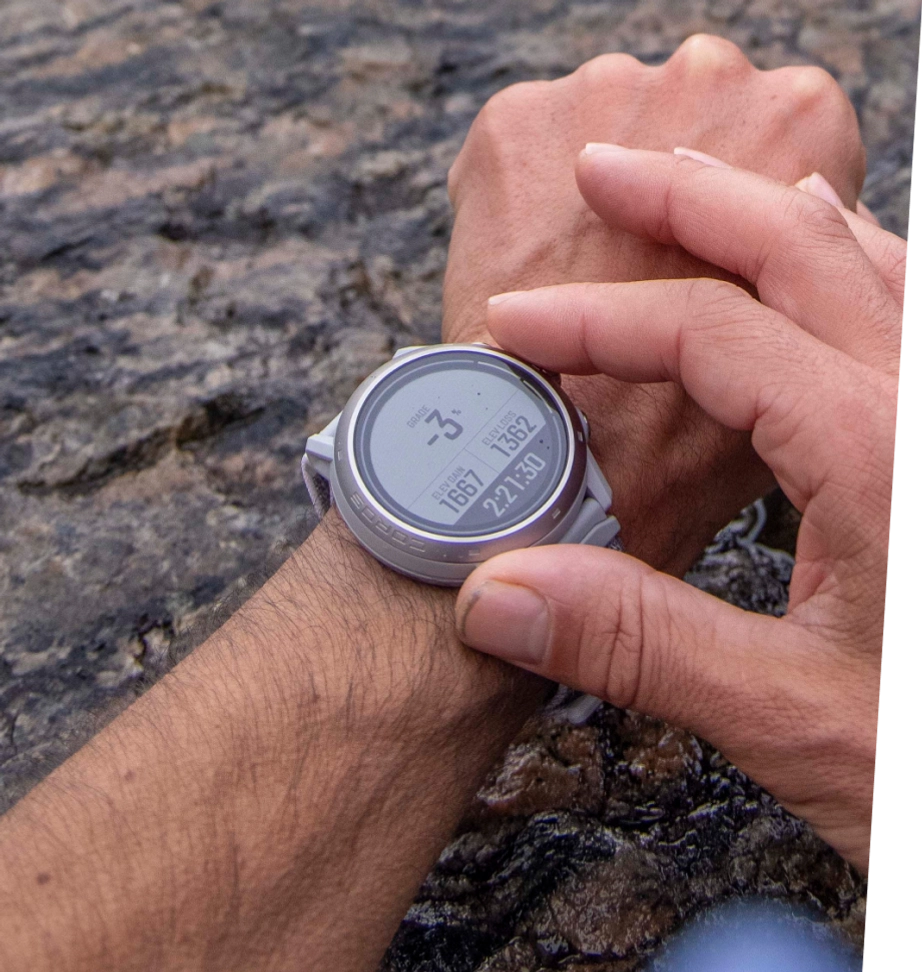
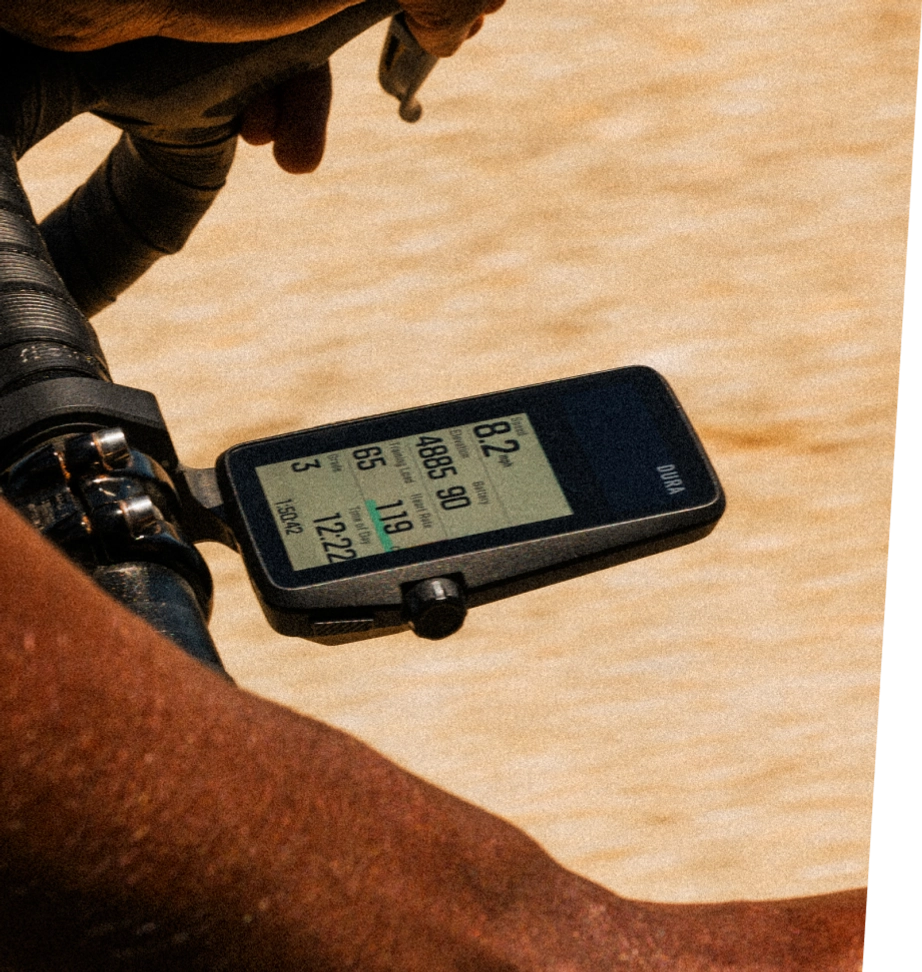
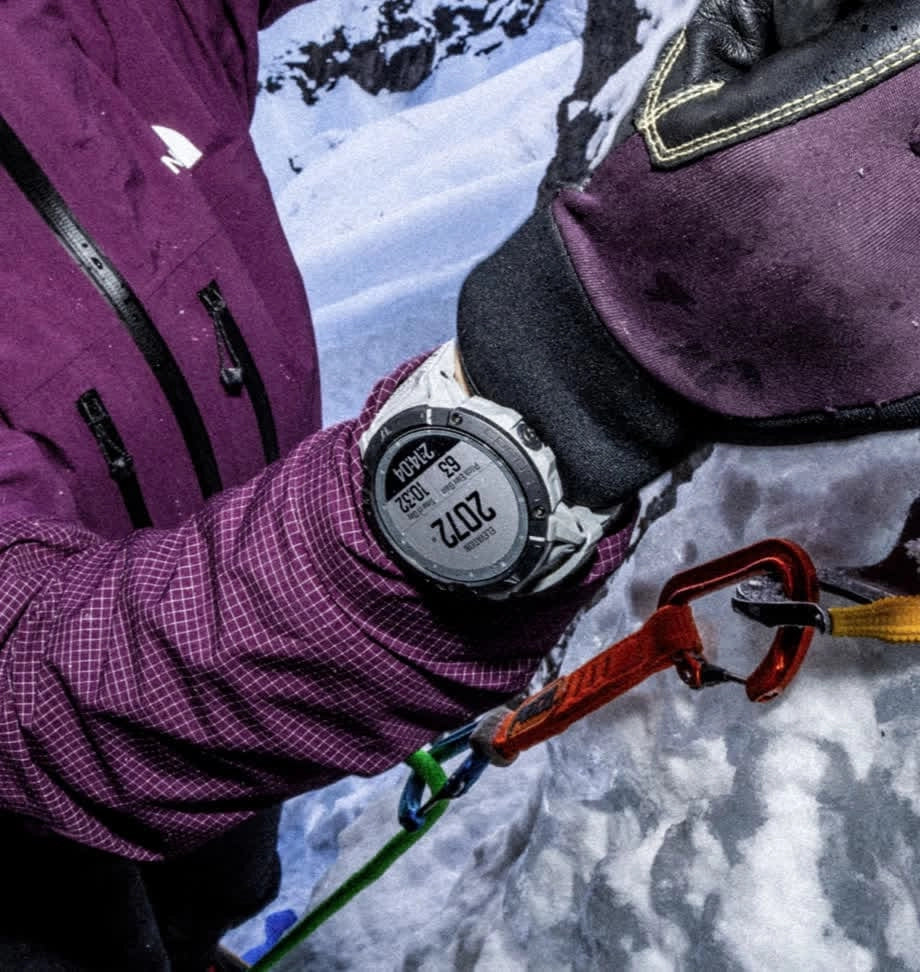


Backcountry ski touring is all about exploration, efficiency and safety – and the right tools can improve all three. Here's how to get the most out of your COROS device on a ski tour.
Why Use COROS for Ski Touring?
COROS is a popular choice among backcountry skiers. Unlike resort skiing, ski touring means variable terrain, route finding and long ascents, and your watch needs to keep up. COROS offers:
- Reliable GPS tracking in remote areas
- Excellent battery life for long days or multi-day tours
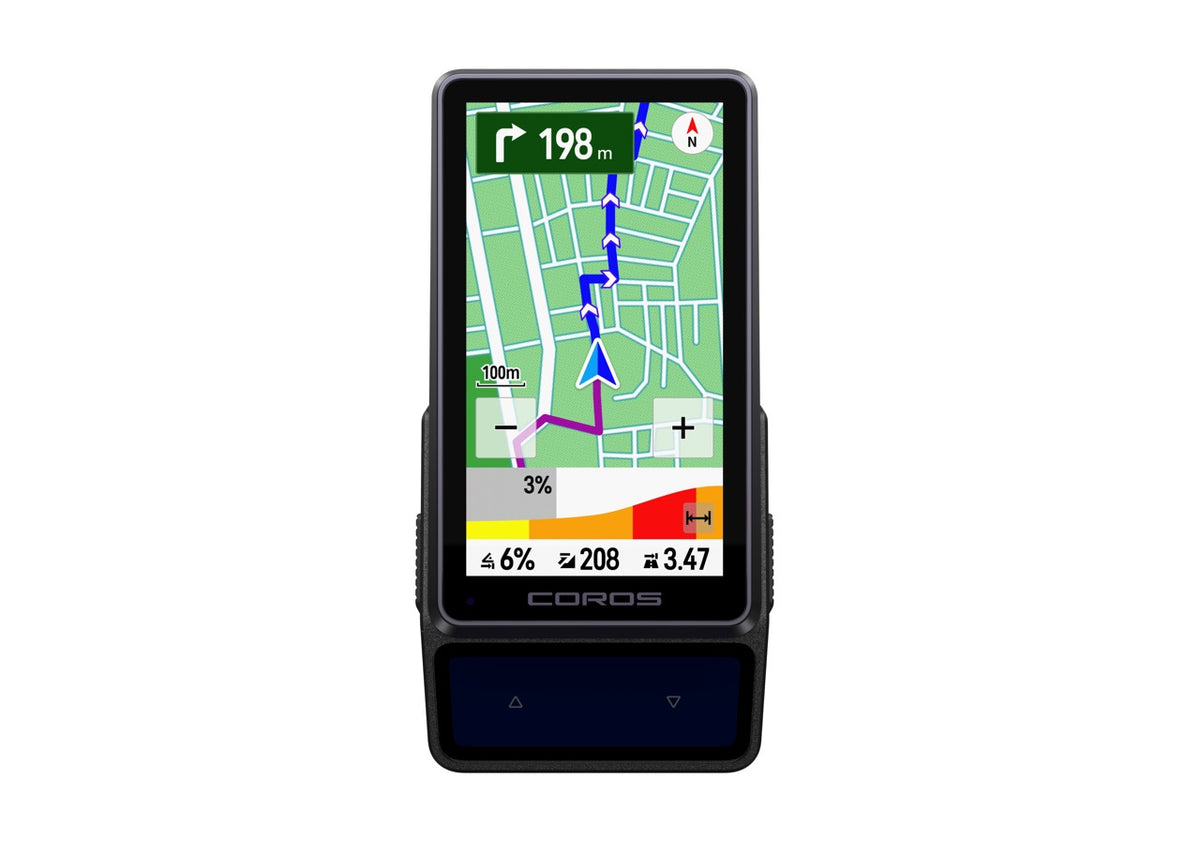
- On-wrist navigation and route-following
- Elevation tracking and ascent/descent metrics
Quick Guide: 7 Steps to Using COROS for Ski Touring
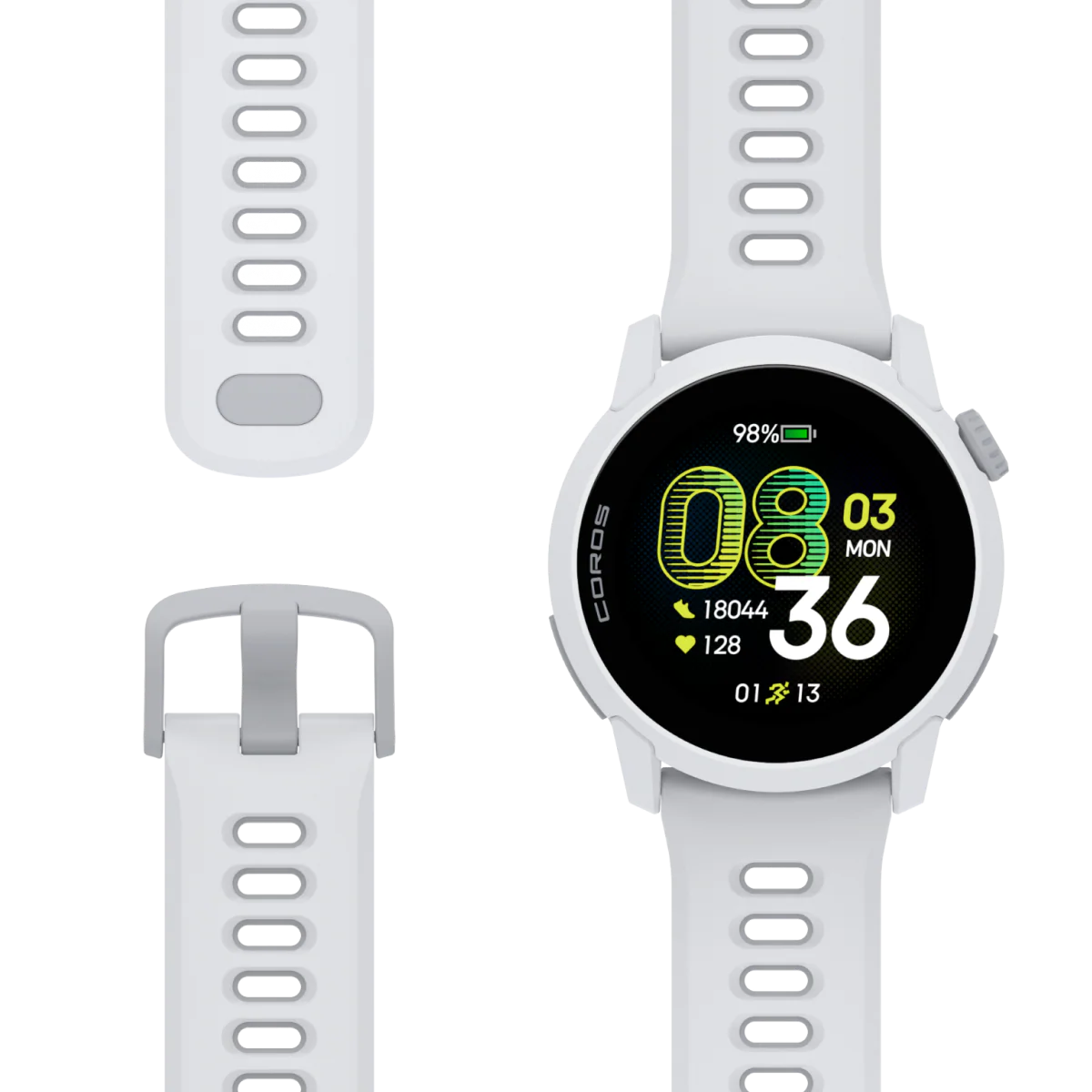
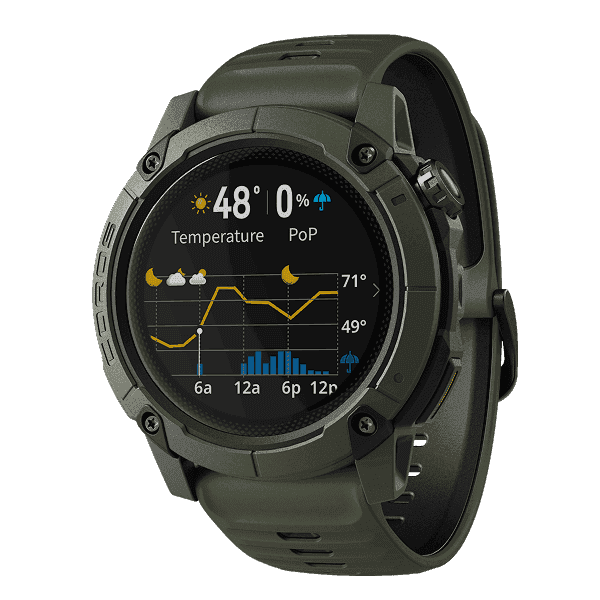
- Choose the right COROS product. The VERTIX 2S and the APEX series have a dedicated Ski Touring mode that automatically tracks skinning, transitions and descents.
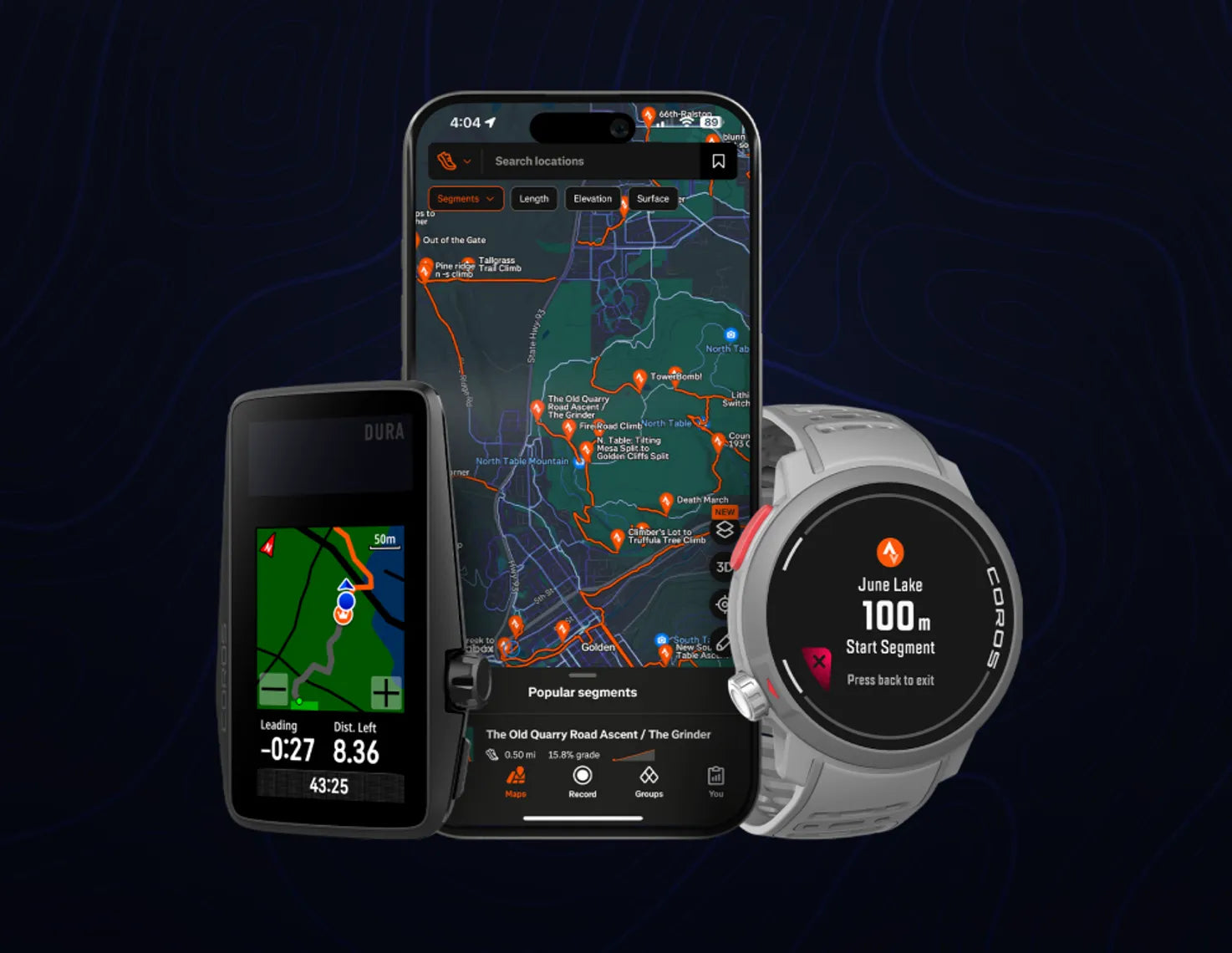
- Load or build your route. Upload a GPX file from CalTopo, Gaia GPS or a similar app, or build the route in the COROS app and sync it to your watch.
- Start tracking at the trailhead. Wait for a strong GPS signal, start the activity and lock the screen.
- Monitor elevation, pace and effort. Keep an eye on current elevation, vertical pace and heart rate.
- Navigate safely. Pair your watch with a topo map, stay on lower-angle terrain and avoid unintended exposure, especially in low visibility or complex terrain.
- Mark points of interest with Voice Notes. Use Voice Pins to record GPS-tagged audio notes on avalanche observations, snow conditions, route decisions and hazards.
- End and review your activity. Save and sync to the COROS app for a full GPS record, performance insights, a Recovery Timer and your own backcountry journal.
Load or Build Your Route
Planning your route in advance makes your tour more efficient and safer. COROS gives you two ways to do it.

Option 1: Upload a GPX File
Plan your route in CalTopo, Gaia GPS, Strava or onX Backcountry, export the GPX file, upload it to the COROS app and sync it to your watch. This is useful if you already use mapping tools for avalanche terrain analysis or trip planning.
Option 2: Build a Route in the COROS App
Go to the Explore tab, tap Create Route, trace your skin track and descent line, adjust the waypoints, then save and sync. This suits quick tours, or anyone who prefers not to work with exported files.
Following the route on your watch is a big help in low visibility, dense trees and unfamiliar terrain.
COROS Tip: If you go off course, your watch gives you a Deviation Alert that shows how far you've strayed and how to get back to the route. You can turn the alert off in the activity settings.
Monitor Elevation, Pace and Effort

Your watch gives you real-time feedback throughout the tour:
- Current elevation and elevation gain: Compare them with the planned high point to judge your progress and how much vertical is left. Useful for pacing and for planning transitions.
- Vertical Pace: Helps you climb consistently and estimate when you'll reach a ridge, summit or turnaround point.
- Heart rate: Your main indicator of effort. Staying in a sustainable zone helps you avoid fatiguing too early on long tours or multi-lap days.
Together, these metrics show your progress, how you're spending your energy and whether you're on plan.
Navigate Safely
Topo maps, especially ones with clear contour lines, show slope angle and terrain features. They help you confirm your skin track, favour lower-angle terrain and avoid steeper, more exposed slopes.
In low visibility, unfamiliar areas or complex terrain it's easy to drift off route, and checking the map helps you catch small deviations early. Think of your watch as the real-time tracker and the map as the bigger-picture guide.
Remember that your watch complements, but does not replace, backcountry skills. Always carry a map and compass and know how to use them, and get proper avalanche training and equipment.

Mark Points of Interest with Voice Notes
Voice Pins let you record audio notes tied to a GPS location. You can see them on the watch's map screen or in the summary after your tour.

- Avalanche observations: Snowpack details, recent avalanche activity and red flags such as cracking or collapsing.
- Snow conditions: Powder, wind slabs, crusts and changing conditions across aspects and elevations.
- Route decisions: Mark a safer ascent line, a slope you avoided or a change of plan.
- Transition points: Where you switch between skinning and skiing, so you can analyse your efficiency afterwards.
- Hazards and terrain features: Cliffs, open creeks, glide cracks and heavily loaded slopes.
- Navigation checkpoints: Trail junctions, ridgelines and exits, useful when you want to retrace a route.
End and Review Your Activity
Save the activity and sync it with the COROS app. Your post-tour record is a valuable learning tool:
- A complete GPS and activity record: Your GPS track together with heart rate, elevation, speed/pace and other metrics, with your Voice Pin notes tied to their locations on the track.
- Performance and recovery insights: Heart rate trends, time in effort zones and exertion, while the Recovery Timer helps you gauge fatigue and readiness for the next big day.
- A personal backcountry journal: A searchable history that lets you compare conditions, routes, fitness and decisions over time.
Over time, your watch becomes both a long-term training log and a backcountry journal.
With the right setup and a little practice, COROS is a useful companion for everything from dawn patrol laps to big alpine objectives. Get familiar with your device before you head into serious terrain.